
TL;DR:
- Clear goals and audience understanding guide effective website layout choices.
- Multi-page grid-based layouts outperform cluttered designs for small business websites.
- Mobile-first optimization and speed improvements greatly increase visitor conversions.
Your website gets visitors. But are those visitors becoming customers? For many Texas small businesses, the answer is no, and the layout is usually the reason. A site that looks polished but sends users in the wrong direction will lose leads every single day. The good news: you don't need a massive budget or a design degree to fix it. This guide walks you through every step, from setting goals to picking a platform to optimizing for mobile, so your layout works as hard as you do.
Table of Contents
- Clarify your business goals and audience first
- Compare layout types and structures: What works best for small business?
- Step-by-step: Selecting the right platform and building affordably
- Critical layout factors: Mobile-first, speed, and conversion optimization
- Our take: The Texas small business layout recipe most guides miss
- Affordable help for your website layout and design
- Frequently asked questions
Key Takeaways
| Point | Details |
|---|---|
| Start with goals | A clear understanding of your audience and business goals leads to smarter, more effective layout choices. |
| Choose practical over flashy | Functional, mobile-first layouts convert Texas customers better than trendy but confusing designs. |
| Optimize for mobile and speed | Fast-loading, thumb-friendly layouts see the highest conversion rates from local site visitors. |
| Test and refine | Regular A/B testing of layout elements like CTAs and navigation can boost conversions and customer satisfaction. |
Clarify your business goals and audience first
Before you touch a single template or color palette, you need to answer two questions: What do you want your website to do, and who is it for? Skipping this step is the most common mistake Texas small business owners make. Without clear answers, you end up with a site that looks fine but performs poorly.
Start with your primary goal. Most Texas small businesses fall into one of these categories:
- Lead generation: You want visitors to call, fill out a form, or book a consultation.
- Local engagement: You want people in your city or region to find you, trust you, and walk through your door.
- Selling products or services: You want direct transactions, either online or as a result of the visit.
Each goal points to a different layout priority. Lead generation sites need prominent contact forms and phone numbers above the fold (the part of the page visible before scrolling). Local engagement sites need maps, reviews, and community-specific content. E-commerce sites need product grids, filters, and a smooth checkout path.
Your audience matters just as much. A landscaping company serving families in San Antonio has a different customer than a B2B consultant in Houston. Age, device preference, language, and local culture all shape how people navigate a site. Modern website growth tips can help you think through what your specific audience expects to see.
Once you know your goal and audience, map them to your pages. A solid sitemap for most Texas service businesses looks like this: Home, Services (with individual pages per service), About, Contact, and Testimonials. As noted in a small business website development guide, prioritizing lead generation and local visibility means mapping user intent directly to your sitemap structure. Pair that with SEO tips for Texas businesses to make sure each page gets found.
Pro Tip: Before you design anything, send a five-question survey to ten of your current customers. Ask how they found you, what they were looking for, and what almost made them leave. That feedback is worth more than any design trend.
"A website built around your customer's intent, not your personal taste, is the one that converts."
Good project workflow strategies also emphasize starting with stakeholder alignment before any creative work begins. The same logic applies here.
Compare layout types and structures: What works best for small business?
Once you know your objectives, you can evaluate the layout styles that match. There are five main structures you'll encounter:
| Layout type | Pros | Cons | Best fit |
|---|---|---|---|
| Single-page | Simple, fast to build | Hard to scale, limited SEO | Freelancers, event pages |
| Multi-page | Organized, SEO-friendly | More content needed | Service businesses, local shops |
| F-pattern | Matches natural reading flow | Needs strong copy | Content-heavy sites |
| Z-pattern | Great for visual storytelling | Less effective for long text | Landing pages, promos |
| Grid-based | Clean, scalable, flexible | Requires planning | Most small businesses |
For most Texas small businesses, a multi-page layout with a grid-based structure is the strongest starting point. Here's why: grids create visual order. A 3-4 column grid with consistent gutters (the spacing between columns) keeps your content organized without overwhelming the visitor. On mobile, that same grid collapses into a single column, keeping things readable.
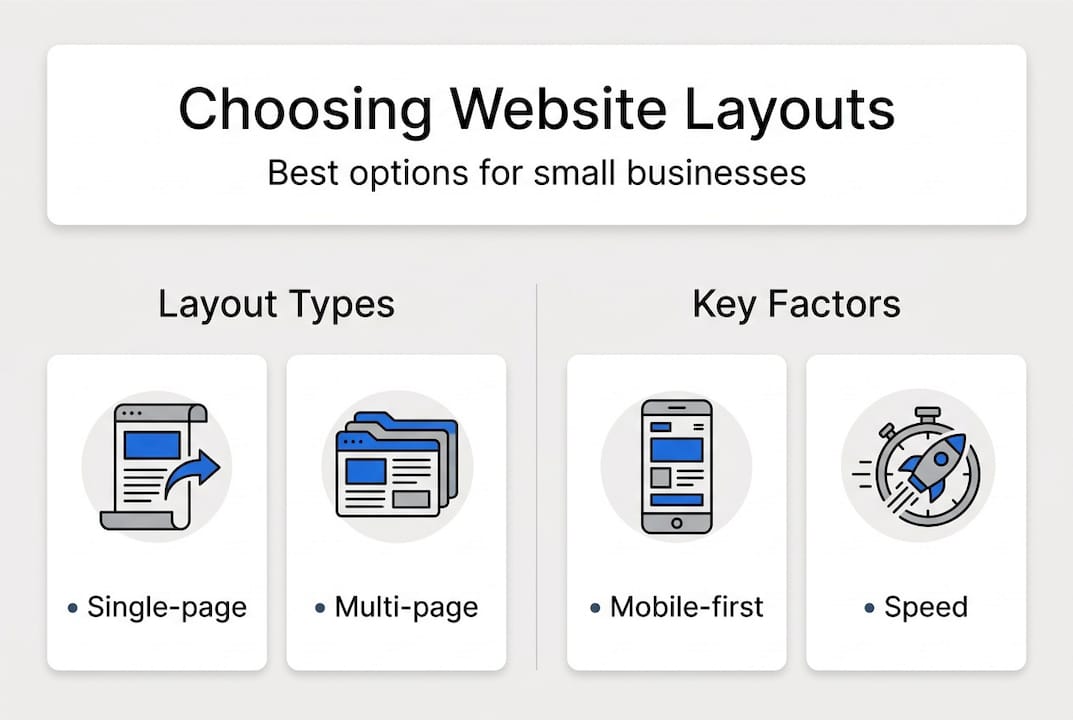
The best website designs for Texas businesses consistently use this approach because it balances professionalism with simplicity.
Here are the key things to watch for when evaluating any layout:
- Avoid clutter. Too many elements on one page push visitors away.
- Keep navigation predictable. Users expect the menu at the top. Don't get creative with it.
- Use whitespace intentionally. Empty space is not wasted space. It guides the eye.
- Prioritize function over flash. Animated intros and parallax scrolling look impressive in demos but often slow load times and confuse users.
Grid-based and clean layouts consistently outperform cluttered or ultra-creative designs in real-world conversion tests. Check out this Texas website design guide for more layout examples specific to local businesses.

Step-by-step: Selecting the right platform and building affordably
With a sense of the layout you need, the next step is picking a platform that delivers what you actually need without breaking the bank. Here are the four most common options:
| Platform | Price range | Layout flexibility | Best for |
|---|---|---|---|
| WordPress | $3,000-$15,000 (custom) | Very high | Growing businesses, blogs |
| Webflow | $3,000-$15,000 | High | Design-forward sites |
| Squarespace | Under $3,000 | Moderate | Simple service sites |
| Wix | Under $3,000 | Moderate | DIY beginners |
As outlined in a small business website design guide, WordPress and Webflow offer the most flexibility but come with higher upfront costs, while Squarespace and Wix are faster and cheaper for straightforward needs. The right choice depends on your situation.
Follow these steps to choose:
- Set your budget first. Know your ceiling before you look at features.
- List the features you actually need. Contact forms, booking tools, galleries, and e-commerce each have different platform requirements.
- Check available templates. A platform with templates close to your goal saves hours of work.
- Confirm support options. Will you have someone to call if something breaks?
- Think about growth. Can the platform handle more pages, more traffic, and new features in two years?
Pro Tip: Start with a simpler platform and a proven template. You can always upgrade later. Overpaying for features you won't use in year one is a common and avoidable mistake.
Explore affordable online presence strategies to see how other Texas businesses have built strong sites on tight budgets. You can also review website optimization steps to understand what to prioritize after launch.
Critical layout factors: Mobile-first, speed, and conversion optimization
By picking the right platform and structure, you're ready to tackle the most make-or-break detail: optimizing your layout for real-world performance. This is where most small business websites fall short.
60-70% of local web traffic now comes from mobile devices. If your layout isn't built for a phone screen first, you're losing more than half your potential customers before they even read your headline. Every 1-second delay in load time loses 7% of visitors.
Here's what a mobile-first layout requires:
- Stack content vertically. Single-column layouts work best on small screens.
- Make buttons thumb-friendly. Call-to-action buttons should be at least 48 pixels tall.
- Keep load time under 2.5 seconds. Compress images, limit plugins, and use fast hosting.
- Simplify navigation. Use a hamburger menu (the three-line icon) on mobile.
- Put your most important content at the top. Don't make users scroll to find your phone number.
Quick wins for speed and mobile performance:
- Use WebP image format instead of JPEG or PNG
- Limit fonts to two per page
- Remove unused plugins or scripts
- Enable browser caching
- Use a content delivery network (CDN) if your audience is spread across Texas
Conversion benchmarks show that the average landing page converts at 2.35%, but top performers hit 5.3%. Mobile-optimized layouts can boost conversions by 20%. Pages that load in under 2 seconds convert at around 3.8%, compared to 3.2% for pages that take 3 seconds. Whitespace covering 30-40% of the page also correlates with higher conversion rates.
Learn more about responsive design basics and use a mobile website checklist before you go live.
Pro Tip: Test every change on your actual phone, not just the desktop preview in your website builder. Desktop previews lie. Your customers are on real phones with real thumbs.
Our take: The Texas small business layout recipe most guides miss
We've worked with Texas entrepreneurs across industries, and one thing stands out: the businesses that get the best results from their websites keep things simple on purpose. Not because they can't afford complexity, but because simplicity wins.
Most layout guides talk about aesthetics. We want to talk about Hick's Law. When you give users too many choices, they freeze. Cluttered, multi-CTA layouts reduce conversions by overwhelming visitors. One primary call to action per page, tested through A/B testing (showing two versions to different visitors), can lift results by up to 21%.
Flashy designs also hurt you in ways you might not expect. Prioritizing speed and accessibility over visual complexity can deliver 15% or more in conversion gains, and it keeps your SEO strong.
Our honest advice: start with a proven template, launch fast, and then refine based on real customer behavior. Use heatmaps and session recordings to see where people click and where they leave. That data is your real design guide. See custom website design tips for how to evolve your site over time without starting from scratch.
Affordable help for your website layout and design
If you're ready to implement a high-converting layout without DIY headaches, the right support makes all the difference. At Digital Biz Agent, we help Texas small businesses go from idea to live website in as little as one week, with no guesswork on your end.

We start by understanding your goals, then design for free before you commit. Our website services for Texas businesses cover everything from layout planning to mobile optimization. Not sure what your site needs? Review the small business website essentials checklist to get clear on priorities. And when you're ready to move forward, our affordable website pricing starts at $25 per month, so there's a plan that fits your budget.
Frequently asked questions
What layout is best for a service business in Texas?
For services, a multi-page layout with clear navigation including Home, Services, About, Contact, and Testimonials works best to guide local users toward taking action.
How important is mobile-friendliness for my Texas business website?
Very important. 60-70% of local traffic is on mobile, and mobile-optimized sites can earn 20% more conversions than non-optimized ones.
Should I use a template or hire a designer for my first website?
Templates are affordable and work well for most startups. Consider a designer when you need advanced customization, as Squarespace and Wix handle most basic needs for under $3,000.
How can I tell if my current layout needs improvement?
If visitors aren't converting, bounce rates are high, or load times exceed 2.5 seconds, your layout likely needs work. Pages loading under 2 seconds convert at 3.8% versus 3.2% for slower pages.
Recommended
- Top website designs that boost Texas small businesses
- Website design terminology explained for small businesses 2026
- Modern web design trends that boost small business success
- 8 Things Every Small Business Website Needs - JAMES PEREZ
- Accounting Website Design Gallery — See Real Examples | SiteForCPA
- Key advantages of website optimisation for UK SMEs