
Launching a modern website as a Texas small business owner can feel overwhelming when you need bilingual content, mobile responsiveness, and affordability all at once. With over 29% of Texans speaking Spanish at home and 58% of all website traffic coming from mobile devices, your site needs to meet these demands without breaking your budget. This guide walks you through a practical, step by step approach to launch quickly and cost effectively.
Table of Contents
- Prerequisites: What You Need Before Starting Your Website
- Choosing the Right Platform for Your Website
- Design and Content Creation
- Timeline and Launching Your Website
- Common Mistakes and How to Avoid Them
- Cost Expectations and Scalable Pricing
- Post-Launch Management and Growth
- Explore Expert Website Services to Launch Fast and Grow
- Frequently Asked Questions
Key Takeaways
| Point | Details |
|---|---|
| Planning is critical | Define business goals, select a memorable domain, and map out bilingual content before building. |
| Platform choice matters | Wix, WordPress, and Canva offer affordable, mobile responsive solutions starting under $20/month. |
| Launch timeline varies | DIY builds take 1 to 3 days; professional services require 2 to 6 weeks for full deployment. |
| Avoid common pitfalls | Never skip mobile optimization or SEO basics; plan bilingual navigation from day one. |
| Budget for scalability | Hosting costs $2.99 to $21.99/month; full website plans start around $50/month with room to grow. |
Prerequisites: What You Need Before Starting Your Website
Before you select a platform or write a single line of code, you need a solid foundation. Jumping straight into design without clear objectives leads to wasted time and missed opportunities.
Start by defining your business goals. Are you generating leads, showcasing services, or selling products online? Your answer shapes every decision that follows. Next, identify your target audience. If you serve both English and Spanish speaking customers in Texas, your website must reflect that from the ground up.
Choose a domain name that reflects your brand and local presence. A domain like YourBusinessLubbock.com immediately signals your Texas roots and makes you easier to find. Register your domain through providers like Namecheap or Google Domains for around $10 to $15 per year.
Select an affordable hosting plan that can scale as your business grows. Shared hosting works for most small businesses starting out, costing as little as $2.99 per month. Look for hosts offering SSL certificates, daily backups, and solid uptime guarantees.
Plan a bilingual content strategy covering both English and Spanish. Map out your main pages, navigation labels, and key service descriptions in both languages. This upfront planning prevents costly redesigns later and ensures a seamless user experience for all visitors.
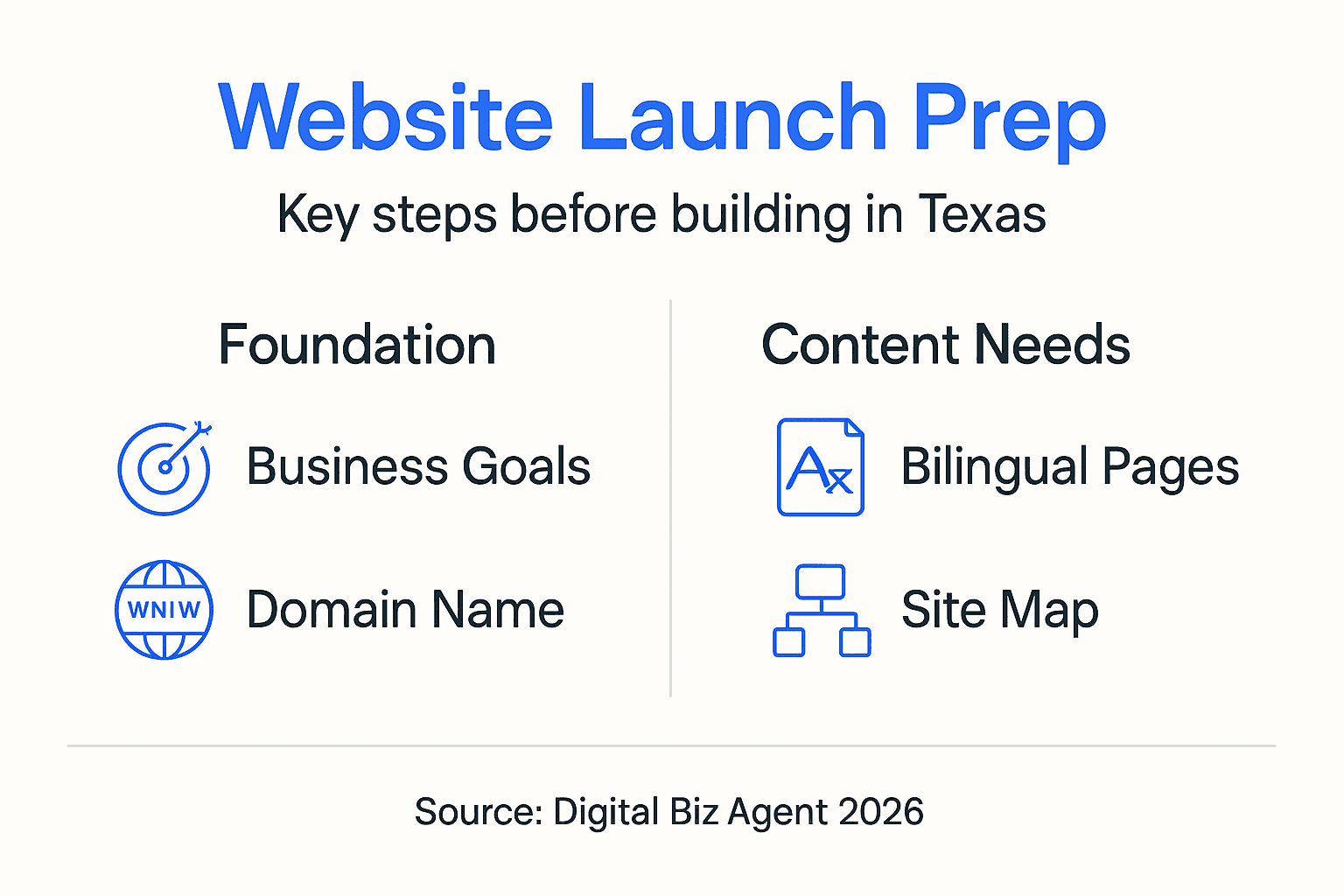
Understanding key website prerequisites sets the stage for a smooth build process and helps you avoid common rookie mistakes that derail launch timelines.
Choosing the Right Platform for Your Website
Your platform choice determines how quickly you launch, how much you spend, and how easily you can manage updates. Texas small business owners need solutions that balance affordability with powerful features like bilingual support and mobile responsiveness.
Using website builders like Wix allows small businesses to launch modern, mobile-responsive websites starting at $17/month with features including AI tools and SEO. Wix stands out as the best all around option for most Texas small businesses. Its drag and drop editor requires zero coding knowledge, while built in SEO tools and AI design assistants help you create professional pages fast. Plans start at $17 per month and include free hosting, SSL security, and customizable templates optimized for mobile devices.
WordPress paired with Bluehost offers unmatched scalability and flexibility. If you plan to add e-commerce through WooCommerce or need extensive customization, WordPress delivers. Bluehost hosting plans start around $21.99 per month and include one click WordPress installation, free domain registration for the first year, and 24/7 support. The learning curve is steeper than Wix, but you gain complete control over every aspect of your site.

Canva recently entered the website builder space and excels at creating quick, no code landing pages. If you need a simple one page site showcasing your services with strong visual design, Canva's free templates get you live in hours. While not ideal for complex multi page sites, it's perfect for testing ideas or launching a minimal viable web presence.
All three platforms support mobile responsiveness out of the box and offer multilingual plugins or features essential for serving Texas's diverse market. Compare scalable pricing plans to find the option matching your budget and growth trajectory.
Pro Tip: Start with a simpler platform like Wix or Canva to validate your business model, then migrate to WordPress if you need advanced features as you scale.
Design and Content Creation
Once you've chosen your platform, the real work begins. Design and content creation determine whether visitors stay on your site or bounce within seconds.
Use drag and drop editors with customizable templates to design a modern site that reflects your brand. Most platforms offer industry specific templates for restaurants, contractors, professional services, and retail. Pick a template close to your vision, then customize colors, fonts, and images to match your brand identity. Keep layouts clean with plenty of white space to improve readability.
Mobile responsiveness is critical as over 58% of website traffic for small businesses comes via mobile devices, making responsive design essential for user engagement. Test your design on multiple screen sizes using your platform's preview tools. Elements should automatically resize and reposition for phones, tablets, and desktops without breaking layouts or hiding important content.
Create bilingual content with clear, culturally relevant English and Spanish navigation. Don't rely solely on automated translation tools, which often produce awkward phrasing. Hire a bilingual copywriter or work with native Spanish speakers to ensure your messaging resonates authentically. Structure your navigation so language switchers are obvious and accessible from every page.
Incorporate SEO basics like metadata, keywords, and alt text for better search rankings. Write unique meta titles and descriptions for each page using keywords your customers actually search for. Add descriptive alt text to every image explaining what it shows. This helps search engines understand your content and improves accessibility for visually impaired users.
Pro Tip: Write content in short paragraphs of two to three sentences maximum. Long blocks of text kill engagement, especially on mobile devices where screen space is limited.
Timeline and Launching Your Website
Understanding realistic timelines prevents frustration and helps you plan your launch effectively. The time required varies dramatically based on your chosen approach and site complexity.
DIY AI powered builders can launch websites in one to three days if you have content ready and use pre built templates. Wix's AI design assistant can generate a functional site in under an hour based on your answers to simple questions. You'll still need time to customize content, add images, and test across devices, but the heavy lifting is automated.
Professional services take two to six weeks depending on project scope, revision rounds, and your responsiveness to feedback requests. Custom design work, advanced integrations, and complex e-commerce functionality extend timelines further. Budget extra time if you need bilingual content creation or professional photography.
Follow these launch steps in order:
- Set up your domain by connecting it to your hosting provider or website builder through DNS settings.
- Configure hosting by installing your chosen platform, setting up SSL certificates, and enabling security features.
- Finalize design by completing all pages, testing navigation, and ensuring mobile responsiveness across device types.
- Publish your site by switching from draft to live mode, submitting your sitemap to search engines, and monitoring for broken links.
Initial demos and feedback loops help catch issues before final launch. Share draft versions with trusted friends, family, or colleagues who match your target audience. Watch them navigate your site and note where they hesitate or get confused. These insights reveal usability problems you'll miss when you're too close to the project.
Managing expectations on timing avoids frustration and ensures a smooth process. Avoid website launch timeline mistakes by building in buffer time for unexpected technical issues or content delays.
Common Mistakes and How to Avoid Them
Even with careful planning, Texas small business owners frequently stumble on predictable pitfalls that hurt traffic, rankings, and user experience.
Never skip mobile optimization to avoid losing up to 60% of potential traffic. A site that looks perfect on desktop but breaks on smartphones will drive away more than half your visitors. Test on actual devices, not just browser simulators. Tap every button, fill out every form, and scroll through every page on your phone before declaring your site launch ready.
Don't neglect SEO basics like metadata and keyword targeting for discoverability. Search engines can't rank what they can't understand. Write descriptive page titles, meta descriptions, and header tags using terms your customers search for. Install SEO plugins like Yoast for WordPress or use built in SEO tools in Wix to guide optimization.
Plan bilingual content from the start to ensure user friendly navigation. Retrofitting Spanish content after building an English only site creates inconsistencies and navigation confusion. Design your site structure to accommodate both languages from day one, with clear language switching and parallel page structures.
Secure your website with SSL certificates and DDoS protection to build trust. Browsers now flag non HTTPS sites as unsafe, scaring visitors away before they see your content. Most hosting providers include free SSL certificates through Let's Encrypt. Enable automatic renewals so certificates don't expire unexpectedly.
Avoid these common website mistakes and watch for mobile optimization errors that signal it's time to redesign or rebuild from scratch.
Cost Expectations and Scalable Pricing
Budget planning prevents sticker shock and helps you make informed decisions about features versus affordability. Understanding the full cost picture beyond initial setup fees is critical.
Hosting plans range from $2.99 to $21.99 per month based on features and scalability. Shared hosting at the lower end works for sites with moderate traffic, while VPS or managed WordPress hosting at the higher end provides better performance and support as your business grows.
| Service Type | Starting Cost | What's Included |
|---|---|---|
| Landing Page Only | $25/month | Single page design, hosting, basic SEO |
| Full Website | $50/month | Multi page site, mobile responsive, bilingual support |
| E-commerce Site | $75/month+ | Product catalog, payment processing, inventory tools |
Landing page only options start around $25 per month and work well for service businesses needing a simple online presence. Full websites from $50 per month upwards include multiple pages, contact forms, and more sophisticated design elements. E-commerce functionality adds complexity and cost due to payment gateway fees, security requirements, and inventory management tools.
Ongoing maintenance and SEO support affect long term costs beyond initial launch expenses. Budget for monthly hosting fees, annual domain renewals, security updates, and content management. Professional SEO services typically start around $500 per month but can dramatically improve your search rankings and organic traffic.
Scalable pricing allows your website to grow as your business needs evolve. Start with basic plans and upgrade as traffic increases or you add features. Review affordable website pricing plans to understand how costs scale with your business growth trajectory.
Post-Launch Management and Growth
Launching your website is just the beginning. Sustained success requires ongoing attention to content, security, performance, and search rankings.
Regular updates with fresh content such as blogs or new services improve SEO rankings and user engagement, helping maintain and grow website traffic over time. Search engines reward sites that publish new content regularly with higher rankings. Aim to add new blog posts, case studies, or service pages at least monthly. Update existing pages to keep information current and relevant.
Use hosting providers offering SSL and security features to safeguard your site against malware, hacking attempts, and data breaches. Enable automatic security updates, install firewalls, and back up your site daily. Most managed hosting plans include these features, but verify they're actually enabled and working correctly.
Monitor analytics regularly to make informed marketing choices based on real user behavior. Google Analytics shows which pages get the most traffic, where visitors come from, and which content drives conversions. Review these metrics monthly and adjust your content strategy accordingly.
Leverage professional support to resolve technical issues quickly when problems arise beyond your expertise. Trying to fix complex server errors or coding bugs yourself wastes time and risks making problems worse. Know when to call in experts who can diagnose and fix issues efficiently.
Explore ongoing website management services that handle updates, security monitoring, and performance optimization so you can focus on running your business while experts keep your site healthy and growing.
Explore Expert Website Services to Launch Fast and Grow
You now understand the step by step process to launch a modern, bilingual, mobile responsive website for your Texas small business. But doing it all yourself still requires significant time and technical knowledge you might not have.

Digital Biz Agent offers affordable, modern, bilingual website solutions specifically designed for Texas small businesses facing these exact challenges. Our professional website design and SEO services handle everything from initial planning through launch and ongoing management, so you get a site that works without the headaches. With scalable pricing starting at $25 per month for landing pages and $50 per month for full websites, you can launch quickly within your budget and upgrade as your business grows. Professional SEO and design support maximize your online visibility and customer engagement, helping you stand out in competitive local markets. Visit Digital Biz Agent to see how we transform your online presence with expert help tailored to your specific needs.
Frequently Asked Questions
How long does it take to launch a small business website?
DIY websites using AI powered builders like Wix can launch in one to three days if you have content prepared and use pre built templates. Professional website builds typically take two to six weeks depending on complexity, custom design requirements, and revision rounds. E-commerce sites or those requiring advanced integrations may take longer.
Do I need to support both English and Spanish on my website?
Yes, over 29% of Texans speak Spanish at home according to census data, making bilingual support essential for reaching your full potential customer base. Offering content in both languages improves user experience, builds trust with diverse communities, and can significantly increase conversion rates compared to English only sites.
What are common mistakes to avoid when launching my first website?
Skipping mobile optimization is the biggest mistake, as over 58% of traffic comes from mobile devices. Other critical errors include neglecting SEO basics like metadata and keywords, failing to plan bilingual content from the start, and launching without SSL security certificates. Test thoroughly on actual mobile devices before going live.
What cost should I expect for hosting and maintenance?
Hosting ranges from $2.99 to $21.99 per month depending on features and performance needs. Full website plans with professional design and ongoing support start around $50 per month with scalable options. Budget additional costs for domain registration at $10 to $15 per year, SSL certificates if not included, and optional professional SEO services starting around $500 monthly.